Typical turnaround
Starting price per photo
AI editing options
Human support
See the difference
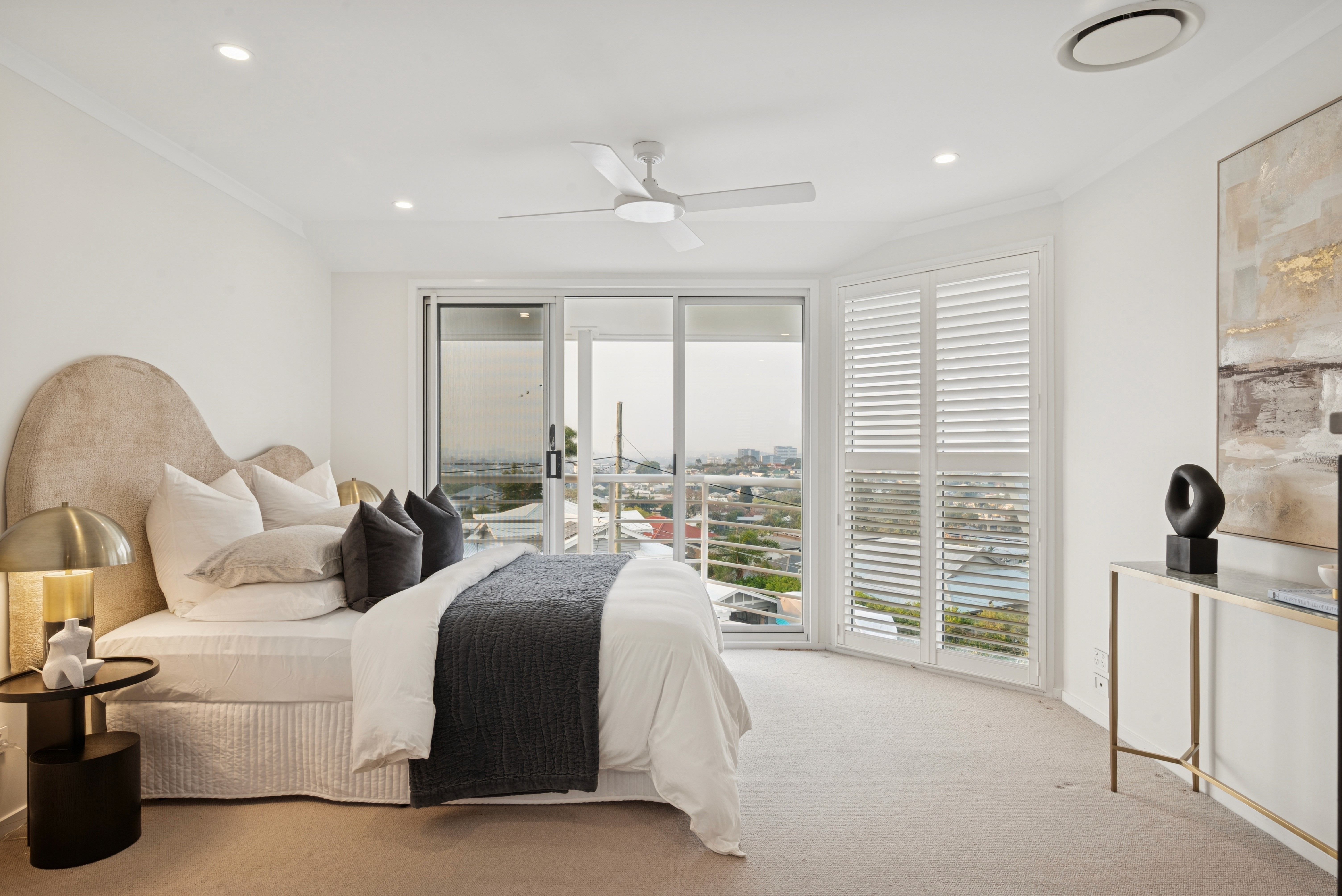
Color and brightness
Balanced light and true-to-life color, room after room.
Exterior sky replacement
Dull or blown-out skies replaced with a clean, natural sky.
Window pulls
Clear, bright window views with natural detail.
Interior sky replacement
Fresh, natural skies through every window.
New exterior model
Richer color, deeper contrast and clearer horizons.
Drone exteriors
The new exterior model brings the same color and clarity to aerial shots.
Fire in fireplace
A realistic fire, glass reflections included.
Regional skies
Pick a Light, Natural or Strong sky in the Self Edit Tool.
Darkened TV screens
Reflections removed for a clean black screen.
Editing options

Lowest price
Base
Simple, straightforward, flawless. Our AI base edit at our lowest price per photo.
Consistent color, tone and lighting
Expert straightening
Neutral window pulls
Turnaround under 40 minutes
No sky replacements
$0.40
per photo

Sky Replacement
Every sky, perfected. Interior and exterior skies replaced automatically, naturally beautiful.
Everything in Base
Interior sky replacement
Exterior sky replacement
$0.45
per photo

Special Light Window Pull
For that special window glow. Brighten every room with clear, detailed window views.
Everything in Base
Special Light Window Pulls
No sky replacements
$0.45
per photo

Most advanced
Fully Loaded
Our most advanced AI workflow, with both sky replacements and the Special Light Window Treatment.
Everything in Base
Interior and exterior sky replacement
Special Light Window Treatment
Darkened TV screens
Fire added to fireplaces
$0.45
per photo
All options are fully automated, so additional instructions, revisions and extra retouching aren’t possible.

Also available
Daytime exteriors turned into dusk-style listing images, fully automated in under an hour.
AI day-to-dusk conversion
Dusk sky and exterior lighting
Window glow treatment
Exterior photos only
Fully automated, no revisions
$2.50
per photo
“I’m very impressed with the quality of the edits. The photos are perfect, and the upload system is simple and easy to use.”
Why Imagelife AI

It edits like a pro
Most AI tools create artifacts or overly processed results. Imagelife AI produces clean, accurate and realistic images that look professionally edited.

Consistency at scale
Matching tone and color across a full set is where most AI tools fail. Refined over years and millions of examples, ours keeps every image in a series aligned.

Speed and simplicity
Upload, let the AI do the work, and download near-perfect images. No complex settings, right inside your Imagelife workflow.
How it works
01
Pick your option
Choose the AI-Only option that fits the listing.
02
Upload your photos
Single or multiple exposures, as many as you like at once.
03
Download your edits
Fine-tune them to perfection if you like.
Expert Editing
Our professional editors handle it, with human quality control and revisions possible.
Explore Expert Editing