ISO range, keeps noise low
Exposures for tricky light
Best files to send, compressed
Shooting
01
Single exposure
Set f/8 or f/9 and ISO 100–400, then adjust only the shutter speed. Ideal for exteriors and evenly lit interiors.
02
3-exposure bracketing
Under, correct and over, merged into one HDR image. Ideal for bright windows, sunrise and sunset.
03
5-exposure bracketing
−2, −1, 0, +1 and +2 stops for smoother transitions and more detail. Ideal for high-end homes and complex light.
File types
RAW
RAW files are uncompressed and unprocessed image data captured directly from the camera’s sensor.
DNG
DNG is an open, standardized RAW file format developed by Adobe.
Compressed RAW or DNG
Compressed RAW or DNG files are RAW or DNG files that have been losslessly compressed to reduce file sizes without sacrificing image quality.
JPEG
JPEG is a lossy format that discards some image data. Fine for web and social sharing, but it can cost quality and detail.
Choosing an edit
AI-Only Service
Balanced lighting and true-to-life color
Sky replacement and window view enhancement
Straightening and consistent color
Consistent, listing-ready results at any volume
Fully automated, so revisions aren’t possible.
From
$0.40
per photo
Explore AI-Only Service
Expert Editing
Dedicated expert editors on every order
Human quality control, with revisions possible
12-hour standard turnaround, 6‑hour express
Premium Core, Premium Plus and Diamond, plus twilight and retouching
Best for standard to high-end properties.
From
$0.90
per photo
Explore Expert Editing
Specialist edits

Expert editors
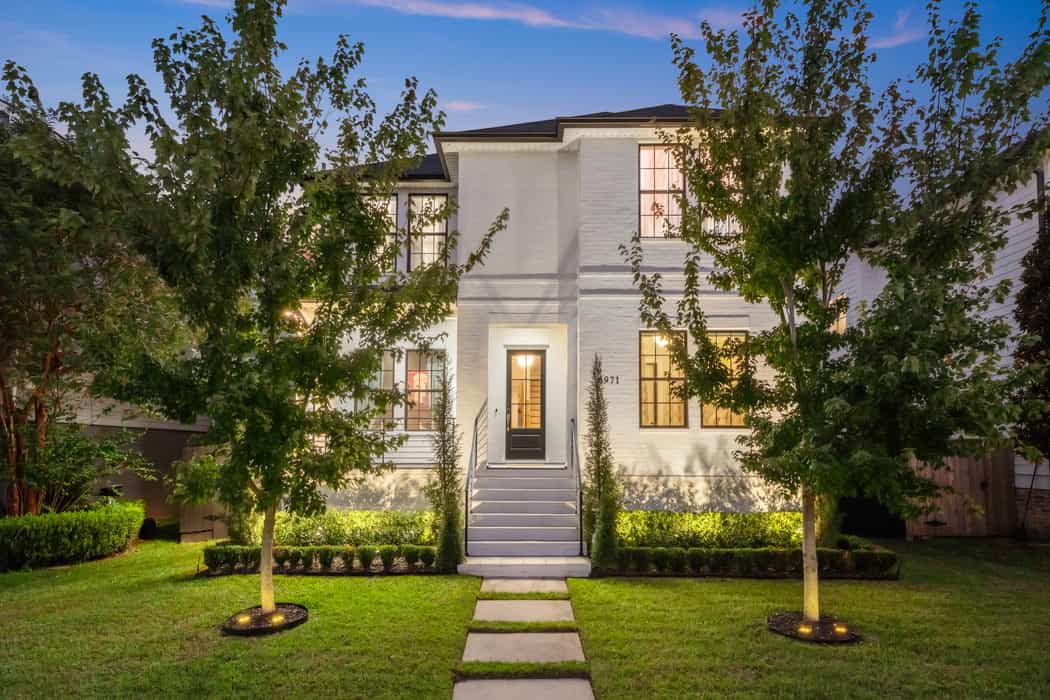
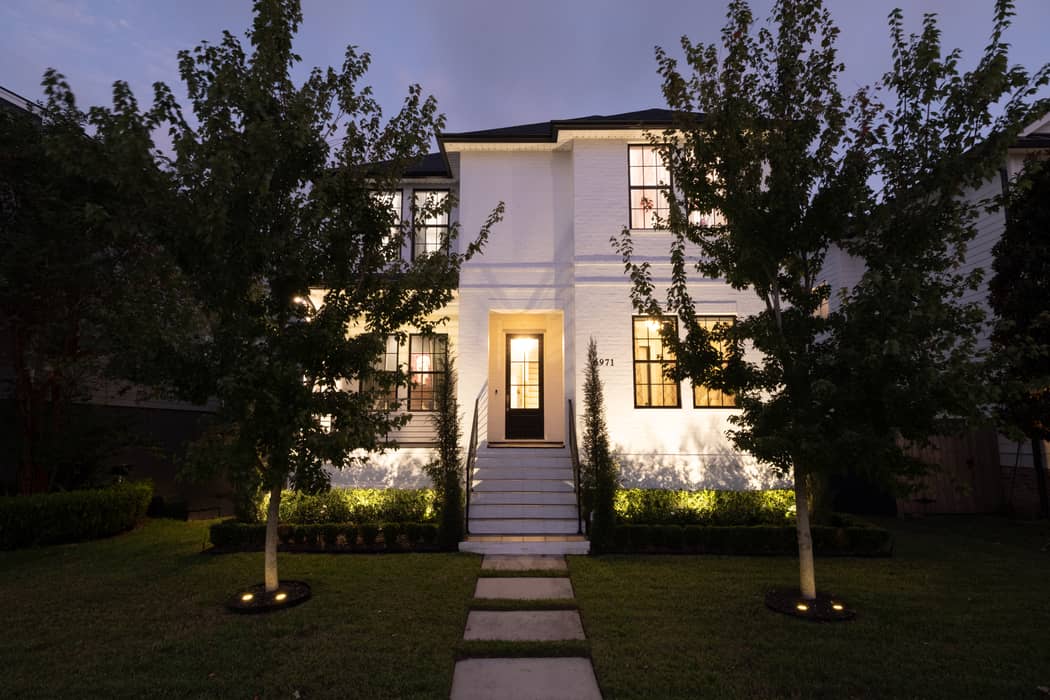
Twilight Editing
Warm, glowing evening shots that stop the scroll.
from
$2.00
per photo
Expert editors
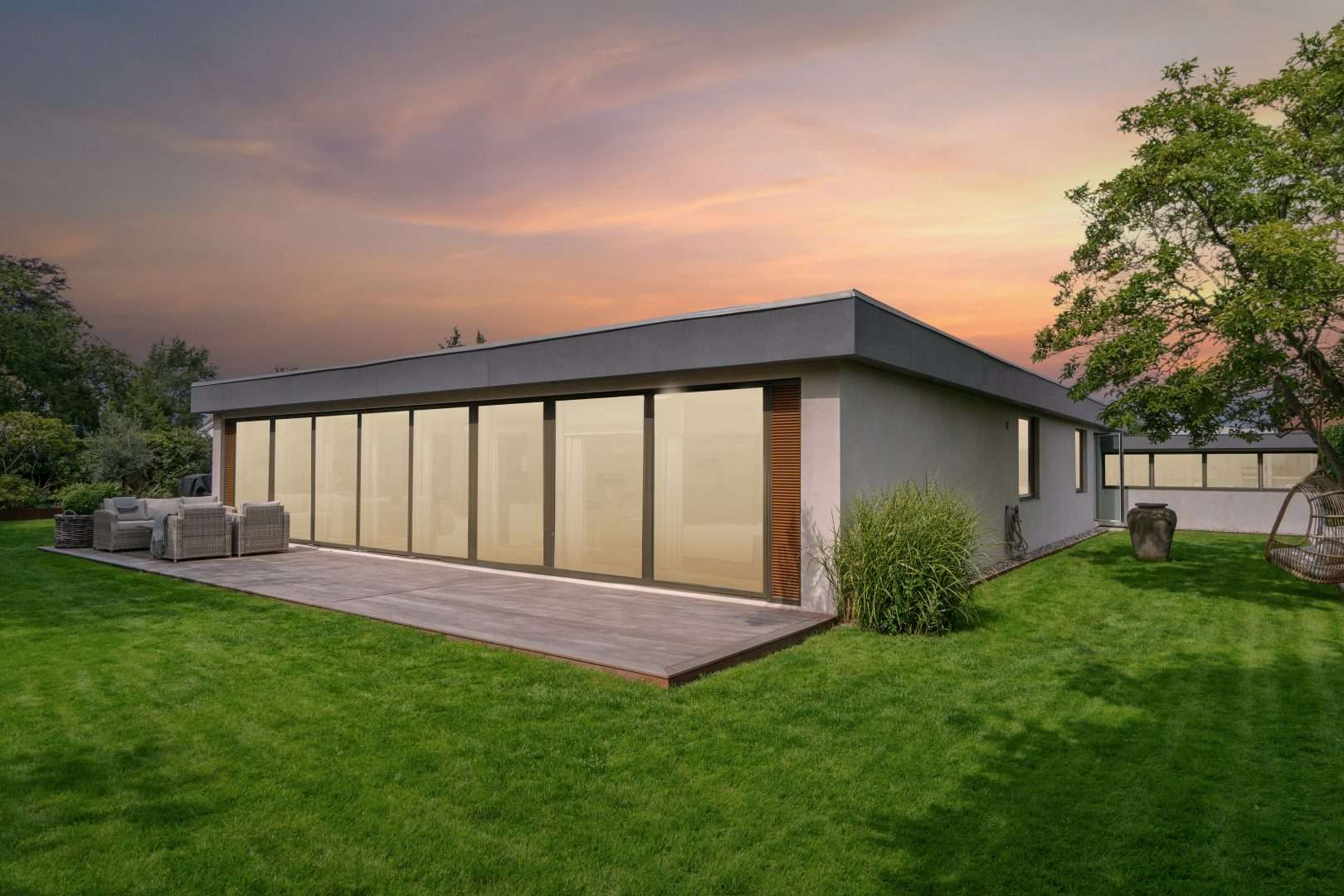
Virtual Twilight
Turn any daytime exterior into a golden-hour hero.
$5.00
per photo

Expert editors
Retouching
Remove clutter and distractions, carefully and cleanly.
from
$1.00
per photo
Expert editors
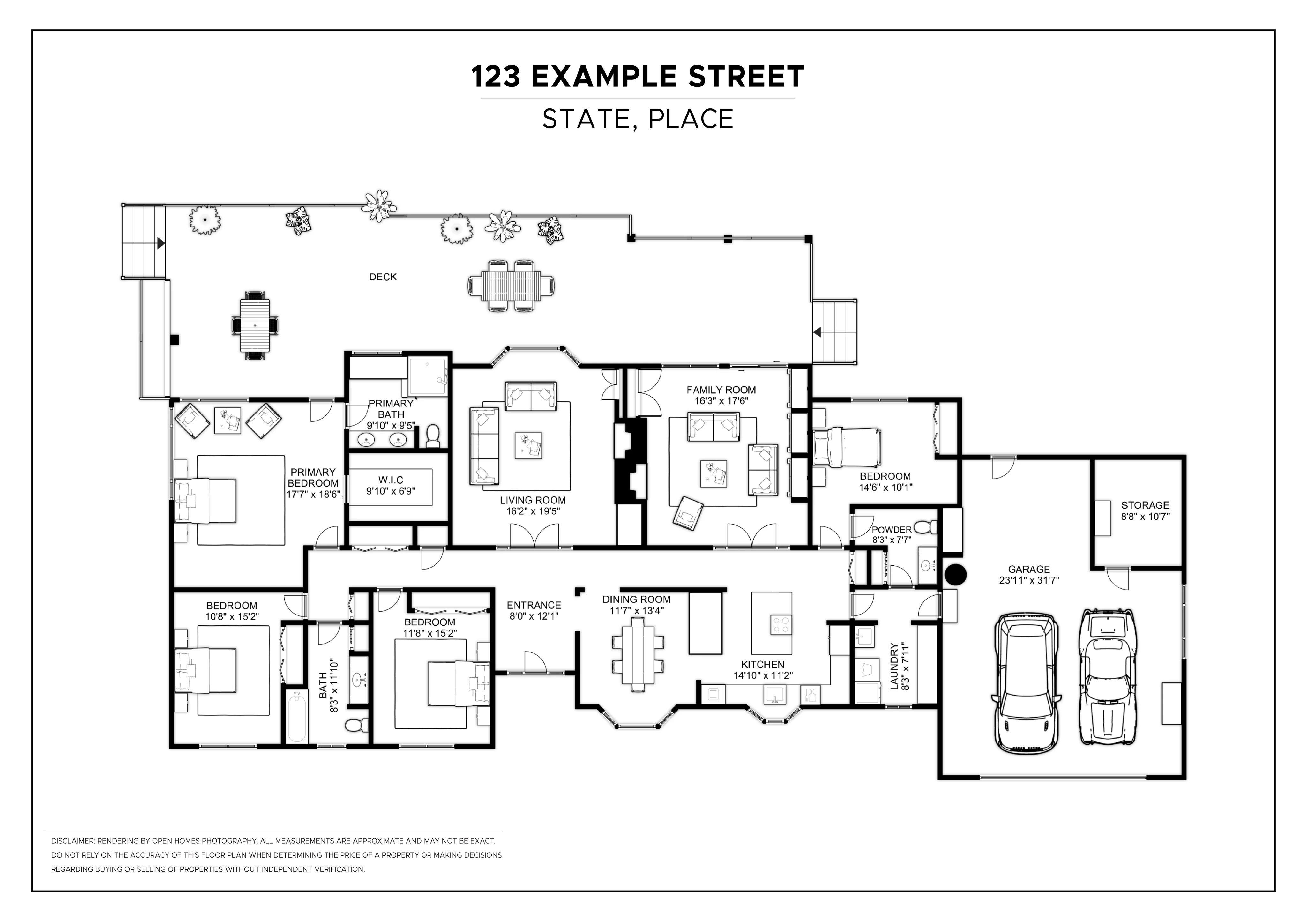
Floor Plans
Clear, professional floor plans buyers understand.
from
$12.99
per plan
Compare all services
Floor plans
What we need from you
When possible, all sketches should be drawn on one page and photographed in a single exposure. JPG or PDF format is accepted. We can work with hand-drawn sketches as well as technical blueprints.
JPG
Accuracy
The input will be traced to produce the final floor plan; therefore, the accuracy of the final floor plan will depend on the accuracy of the input. Measurements and room proportions will not be cross-checked. All walls, doors and windows should follow the input sketch. All other details, such as stairs, decks, gardens etc., should follow the sketch and instructions. Furniture position will follow the sketch and all instructions. Furniture scale should be consistent with the room.
Glossary
HDR
Several exposures blended into one image, so shadows and highlights are both balanced for vibrant, natural-looking results.
Bracketing
Taking the same shot at different exposures, for example −2 to +2 stops, so they can be merged into one HDR image.
Virtual Twilight
An edited daytime exterior turned into a dusk scene by an expert editor, with sky, light and window glow finished by hand.
Sky replacement
A dull or washed-out sky swapped for a clear one. Included in Premium Plus and available with the AI-Only Service.
Window pull
Bringing back the view through a bright window so it isn’t blown out. Detailed window pulls are part of Diamond.
Quality control
A human check of your images before delivery. Premium Core includes full QC, Diamond adds rigorous QC and local editing.
Express delivery
Expert Editing back in 6 hours instead of 12, for +$0.10 per photo on Premium Core and Premium Plus.
Retouching
Removing or changing details such as clutter, signs and license plates. Available as Standard, Advanced and Extreme.
Articles
Property Image Editing by Imagelife
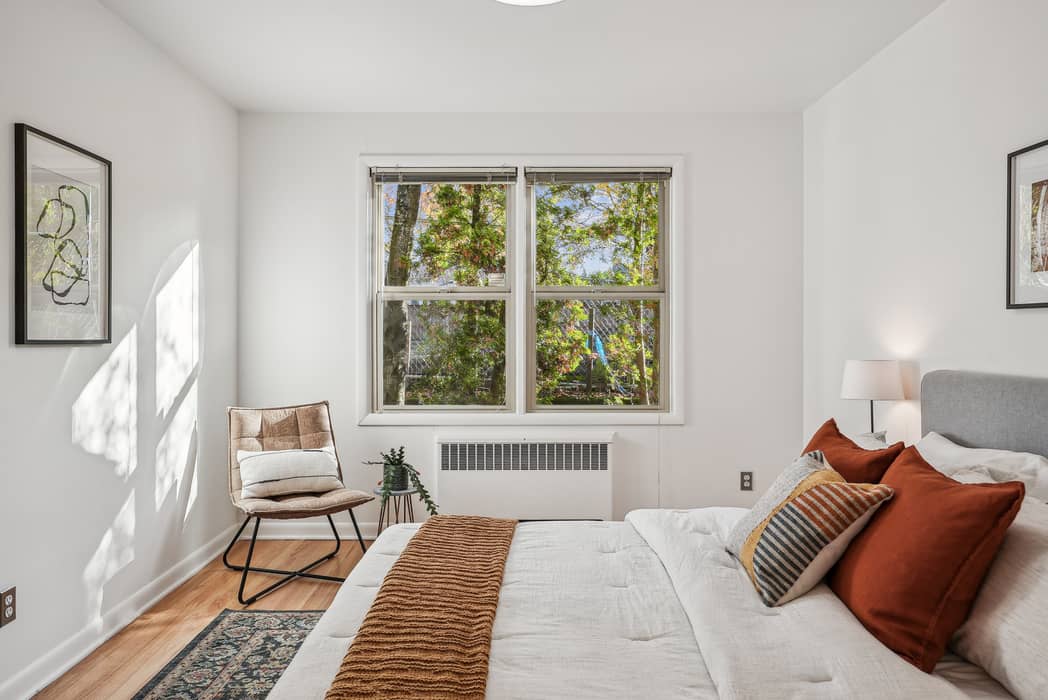
Real Estate Listing Photo Preparation by Imagelife
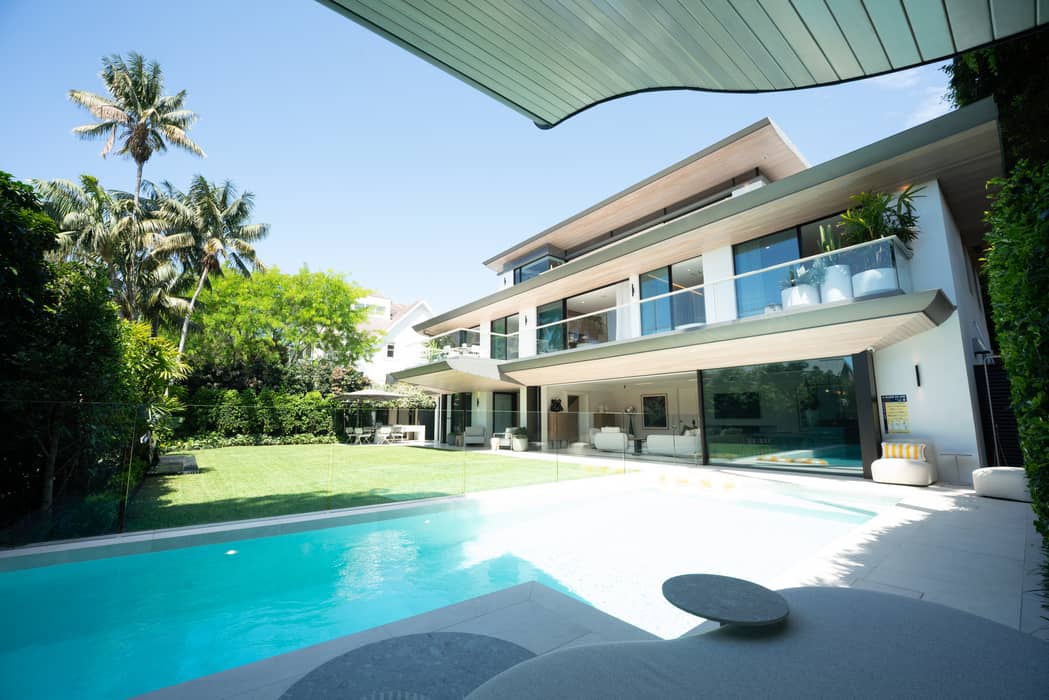
Commercial Real Estate Photo Editing - Imagelife
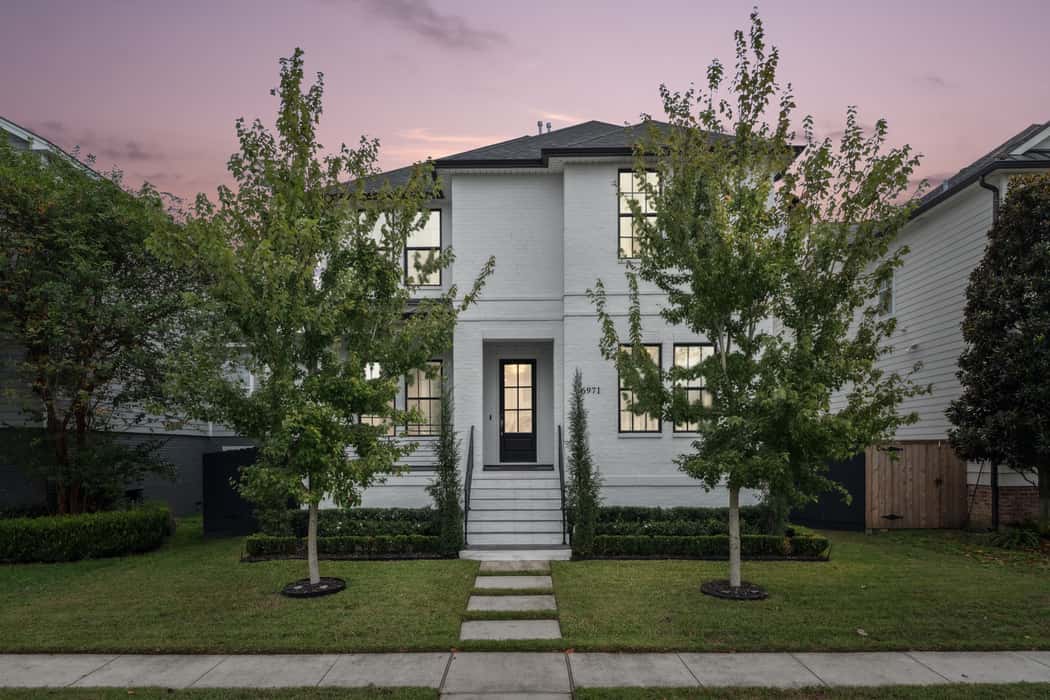
Floorplan Photo Editing for Real Estate - Imagelife
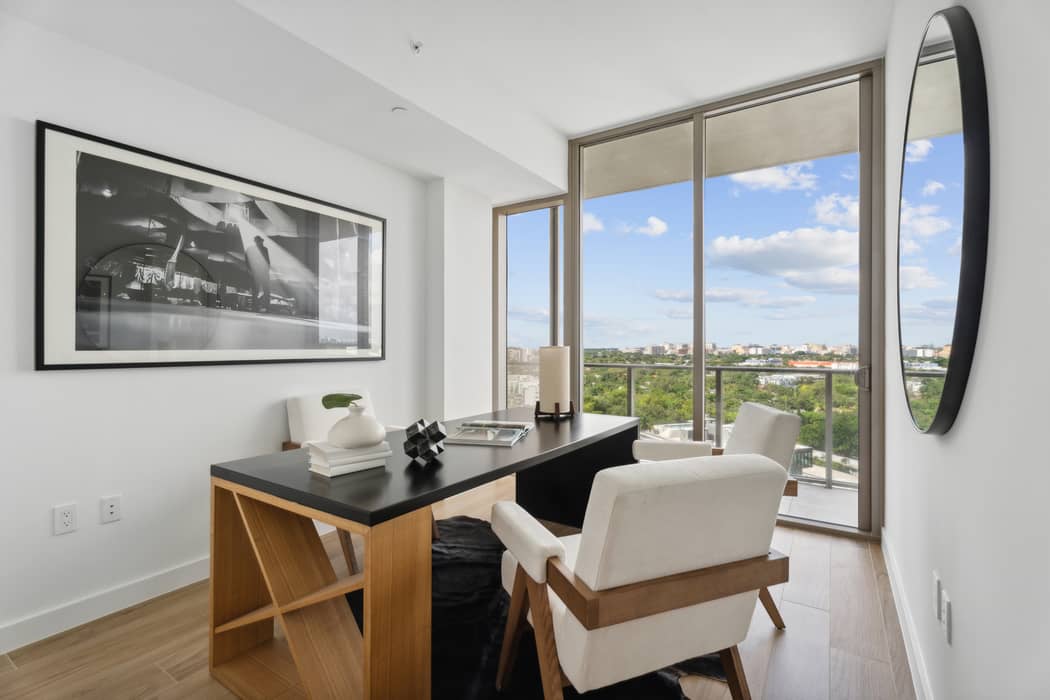
Interior Photo Editing for Real Estate - Imagelife
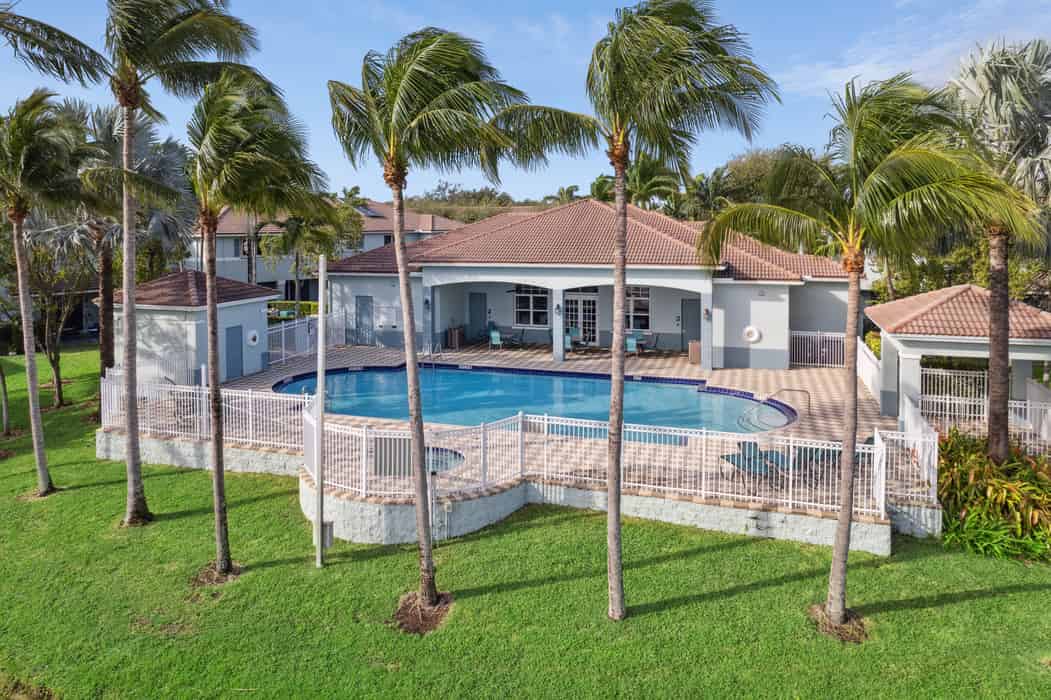
Real Estate Photo Retouching by Imagelife
Real Estate Twilight Photo Editing – Imagelife